
Services
Two apps that complement each other.
LENTERA HARUM V1 supports health center staff. LENTERA HARUM V2 accompanies posyandu volunteers and parents.
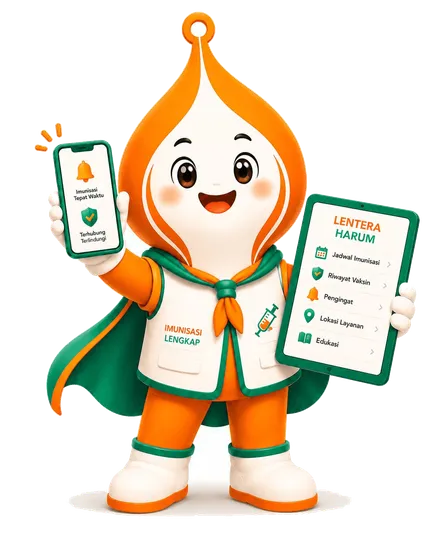
LENTERA HARUM V1
For health center staff.
The main source of immunization service records, from registries to planning.
Sample screen with demo data
- 01
Organized records
Child and pregnant mother registries, data import and export, and duplicate checks.
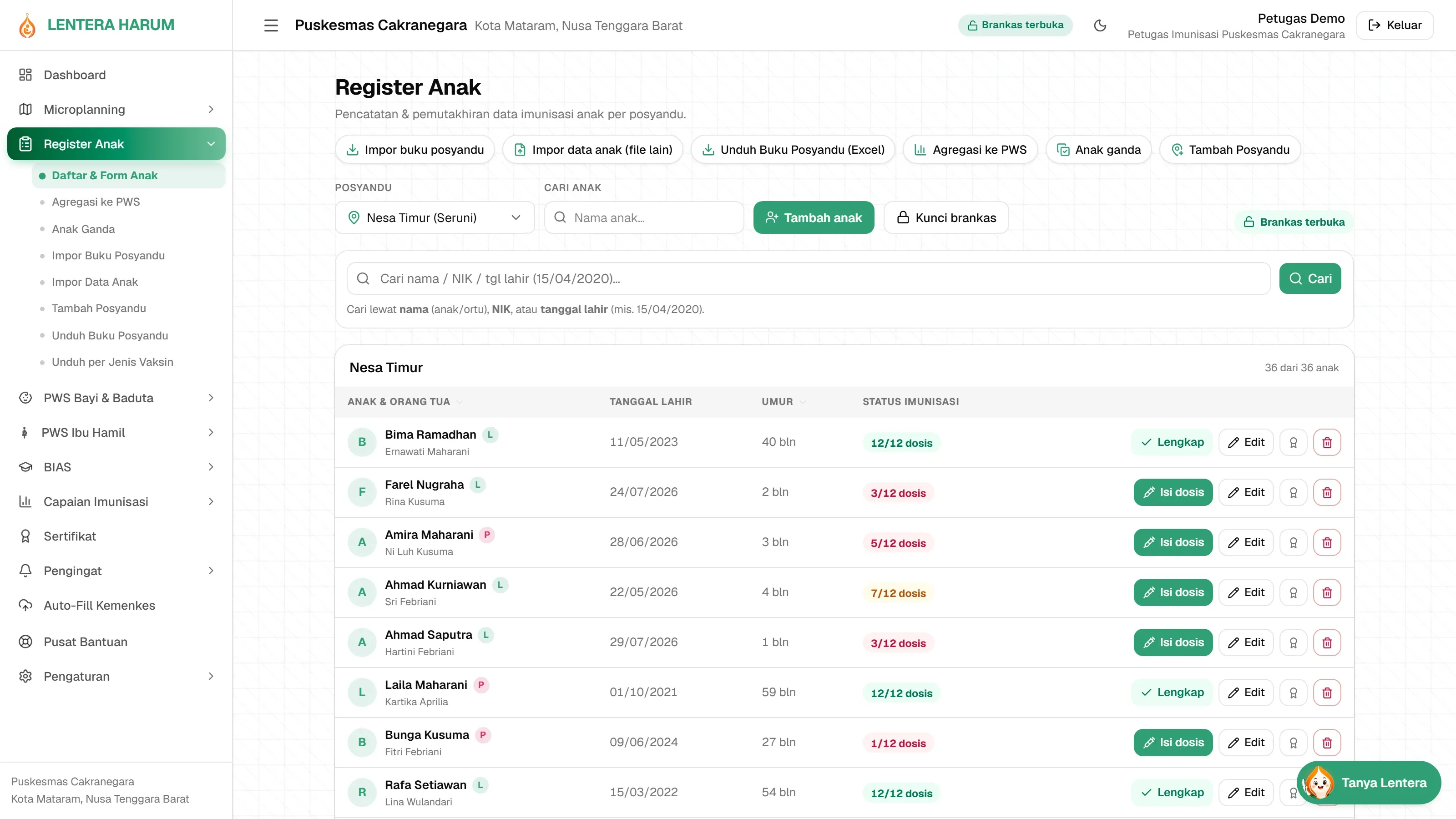 Sample screen, demo data
- 02
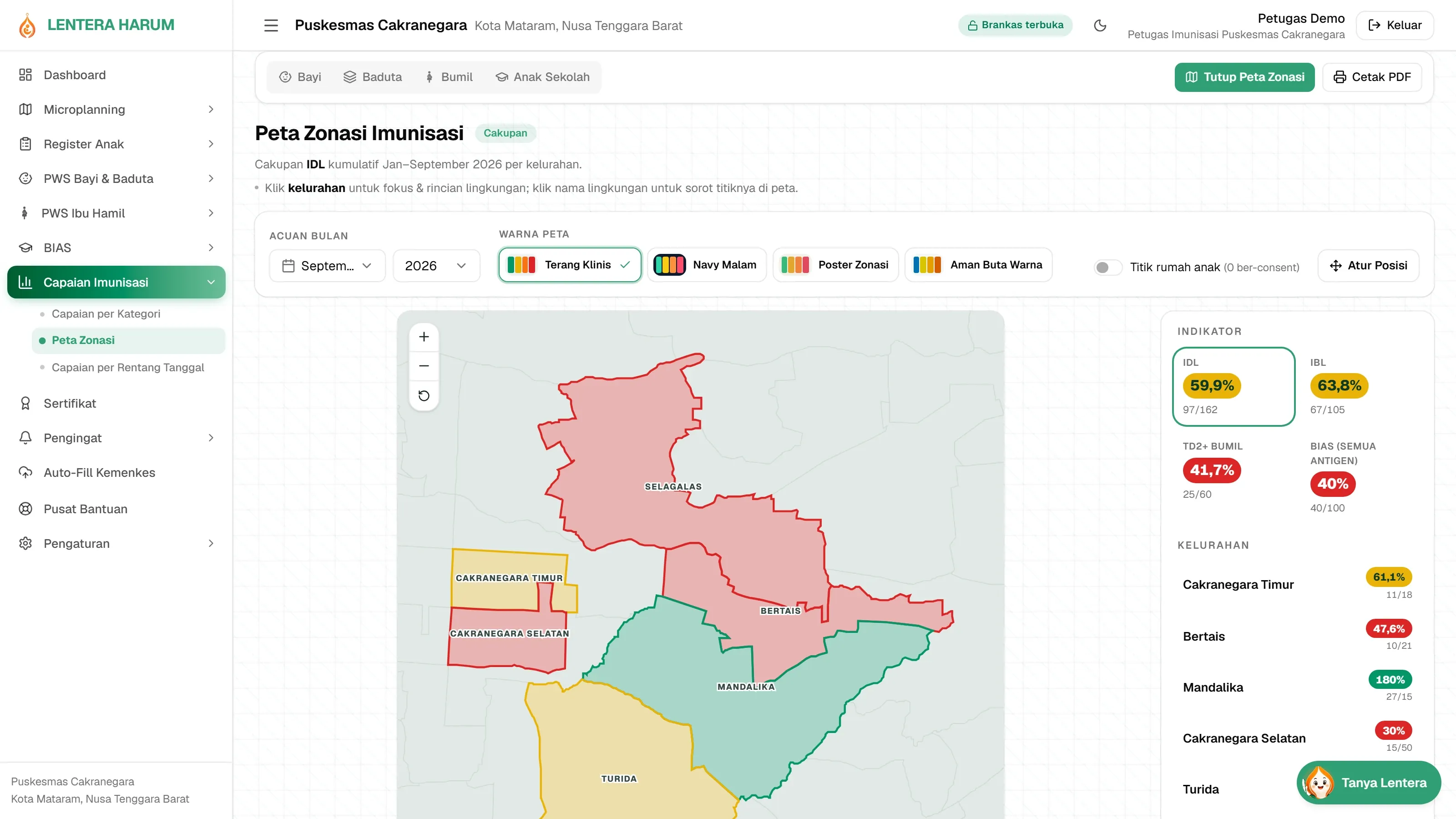
Program monitoring
Local Area Monitoring (PWS) for infants, toddlers under two, and pregnant mothers, immunization coverage, and zoning maps.
 Sample screen, demo data
- 03
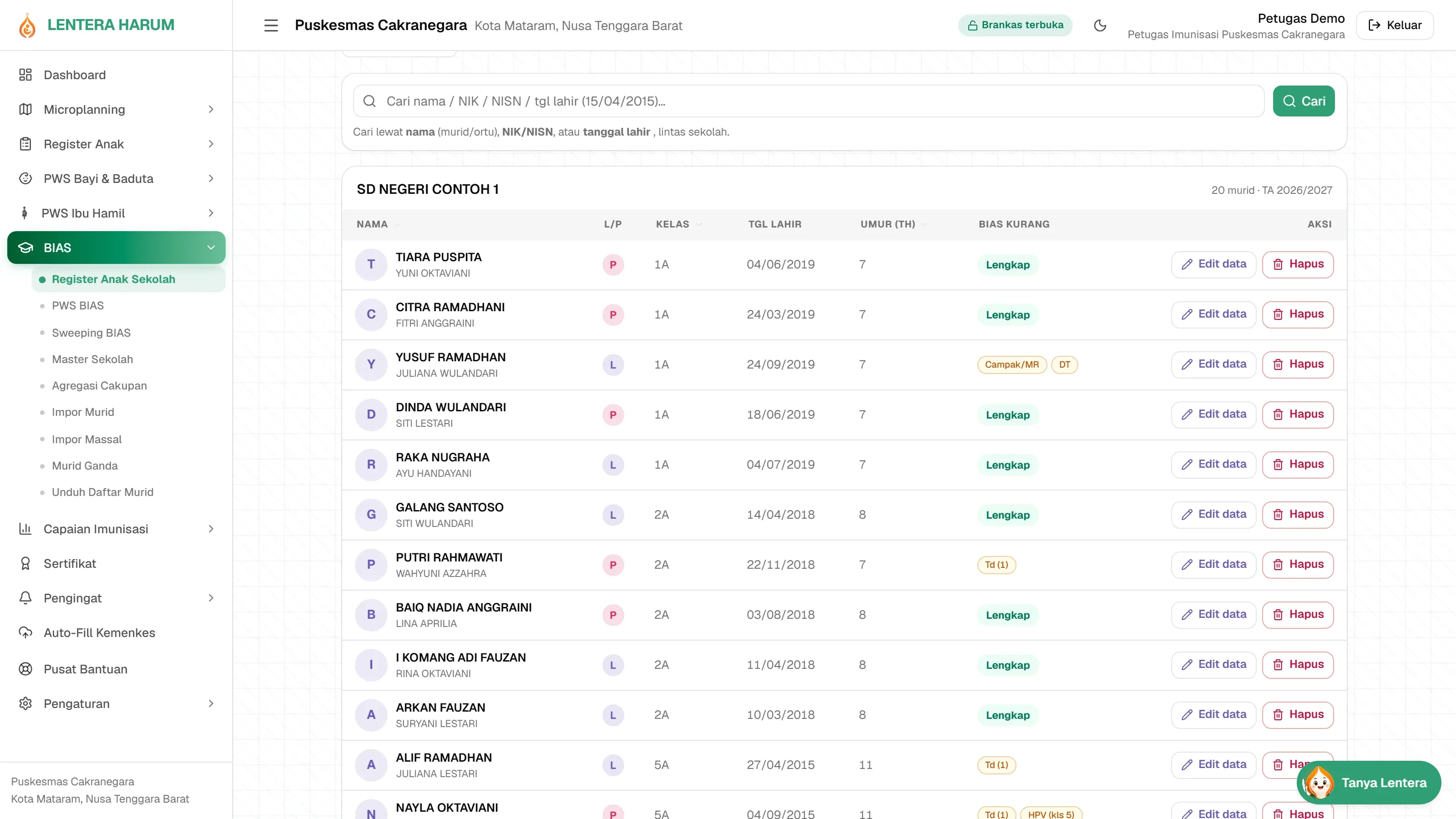
School immunization
BIAS (School Child Immunization Month): student registry, monitoring, and follow-up.
 Sample screen, demo data
- 04
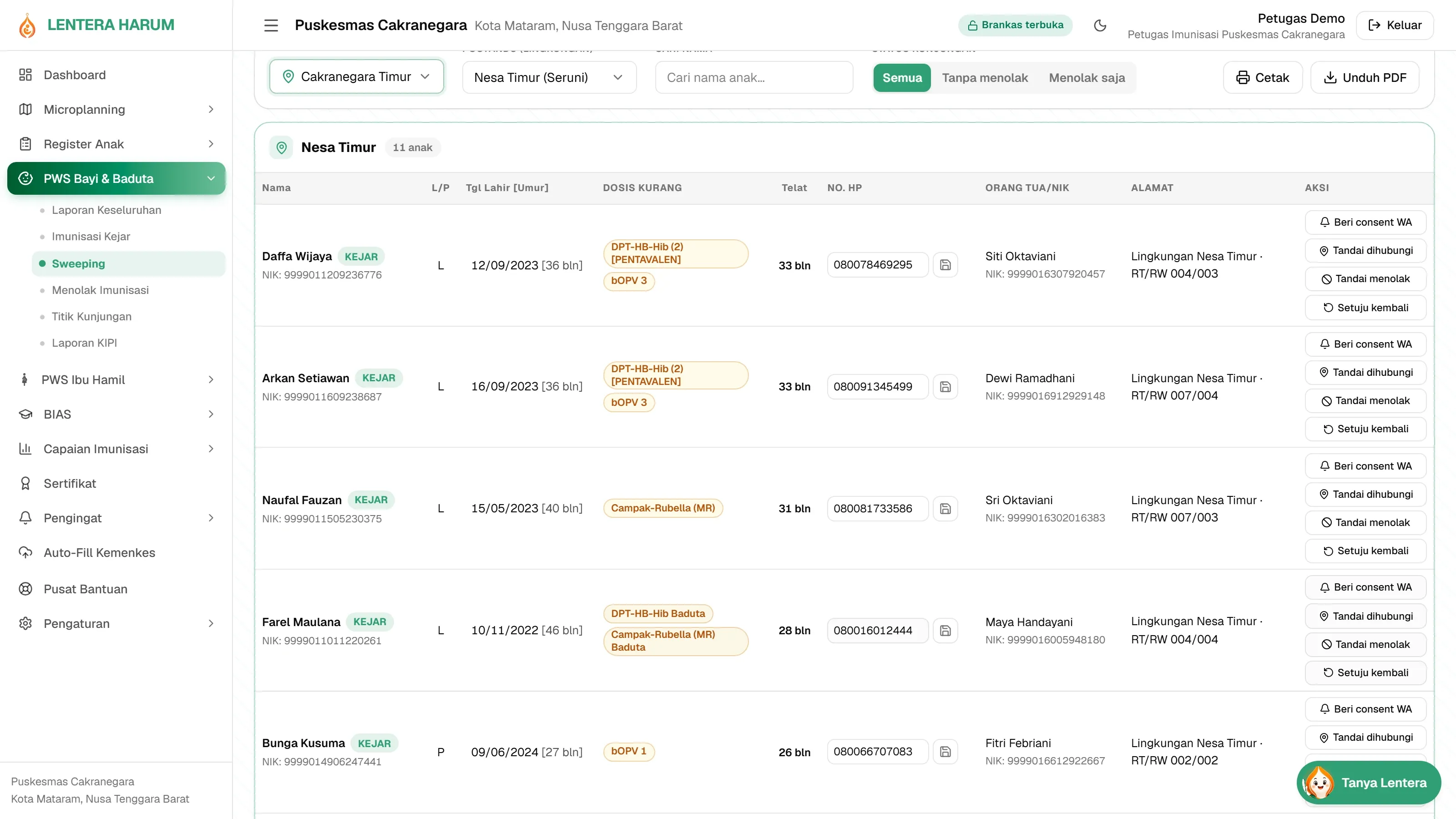
Reaching every child
Sweeping: tracing children whose immunization is incomplete, home visit locations, and recording reasons for refusal.
 Sample screen, demo data
- 05
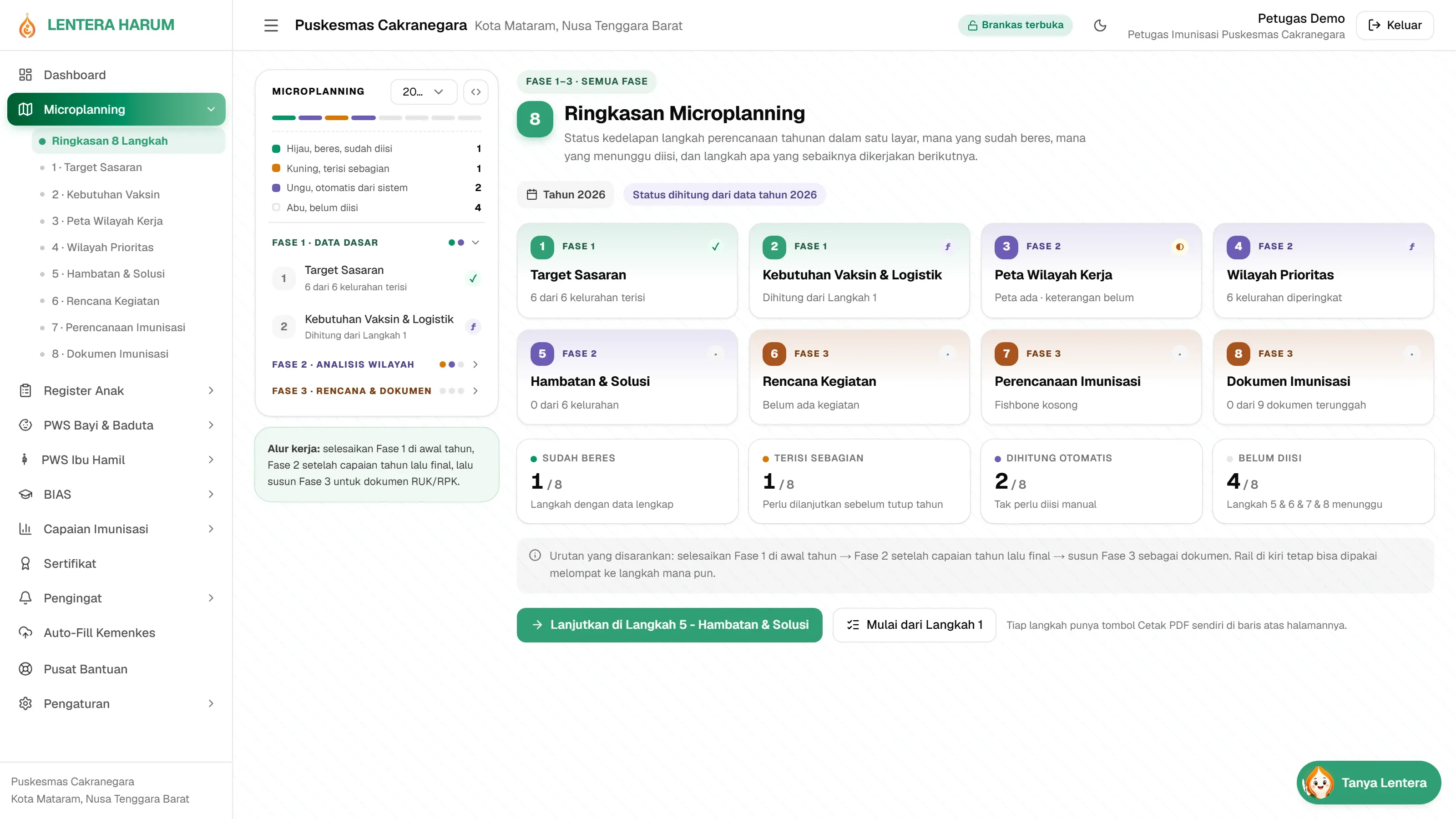
Service planning
Eight-step microplanning: targets, vaccine needs, area map, priorities, barriers, activity plan, immunization plan, and documents.
 Sample screen, demo data
- 06
Service support
Recording adverse events following immunization (KIPI), certificates, posyandu and school schedules, reminders, and help filling in ASIK (the national immunization system).
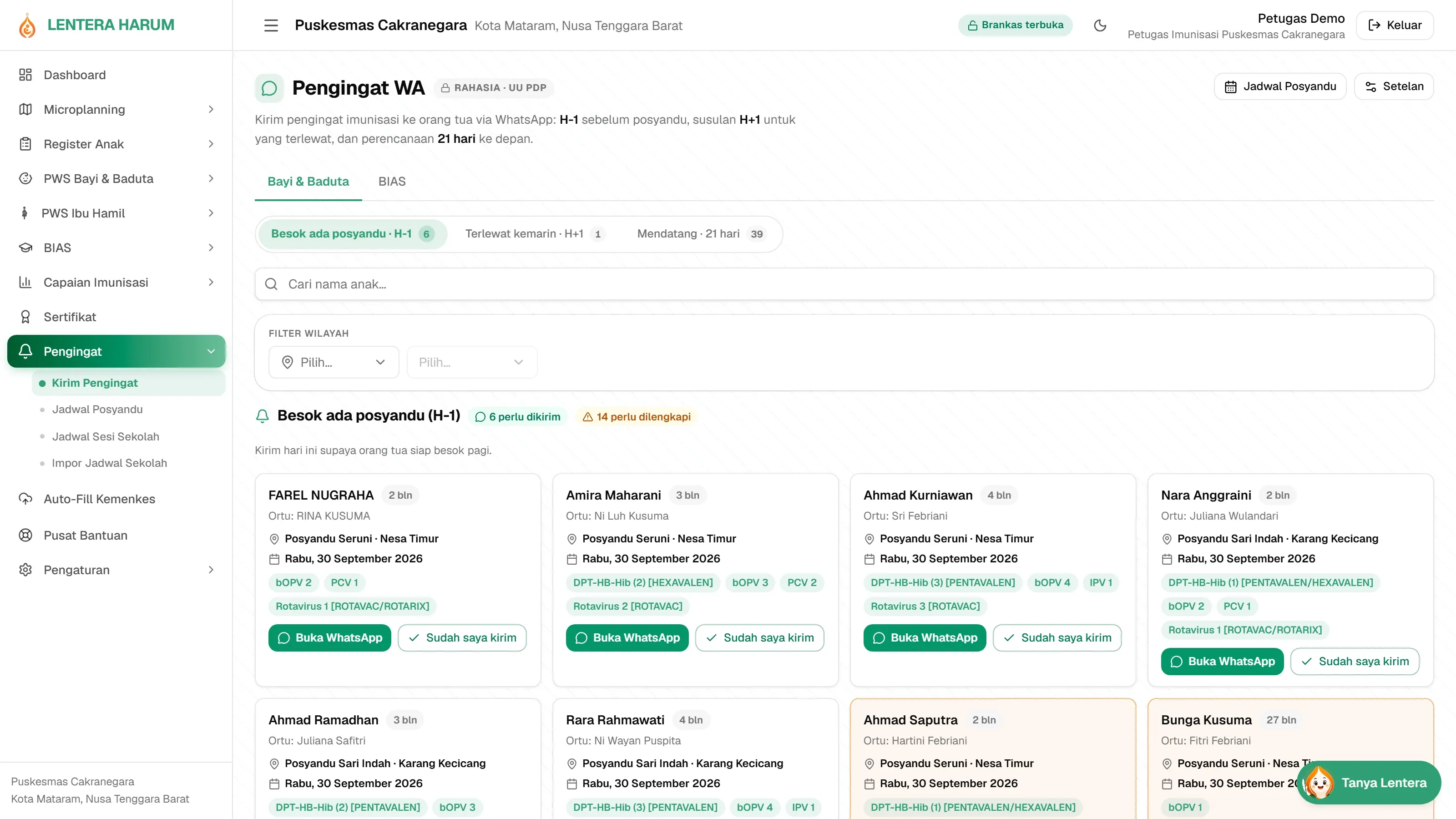 Sample screen, demo data
Help with filling in ASIK (the national immunization system) runs on a computer and is still checked by staff before saving.
LENTERA HARUM V2
For posyandu volunteers and parents.
Uses a copy of the V1 data. Each account only sees the data that fits its role.
Sample screen with demo data
Posyandu volunteers
01Posyandu overview
Number of assigned children, posyandu session reminders, and children who need follow-up.
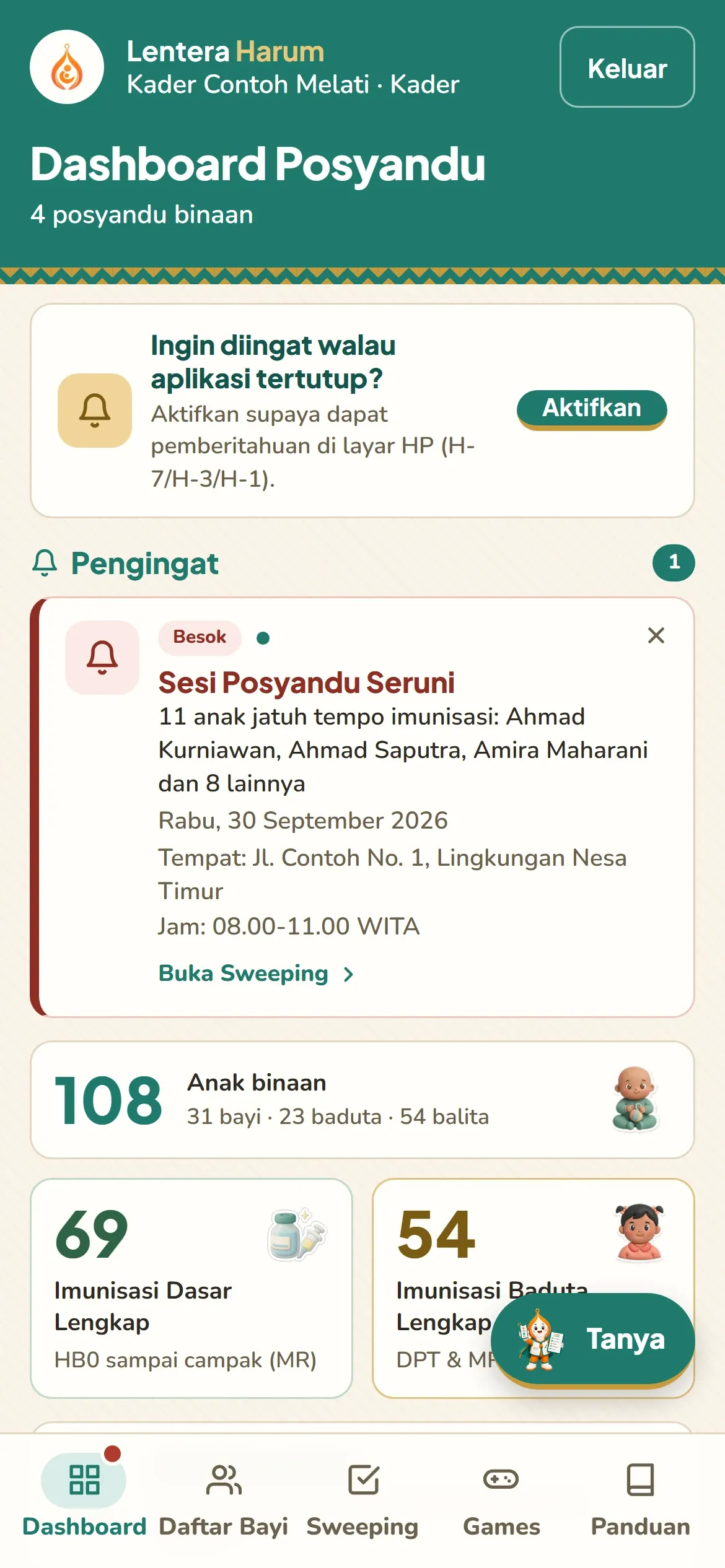 Sample screen, demo data
- 02
Assigned children
Monitor each child's immunization completeness in the posyandu.
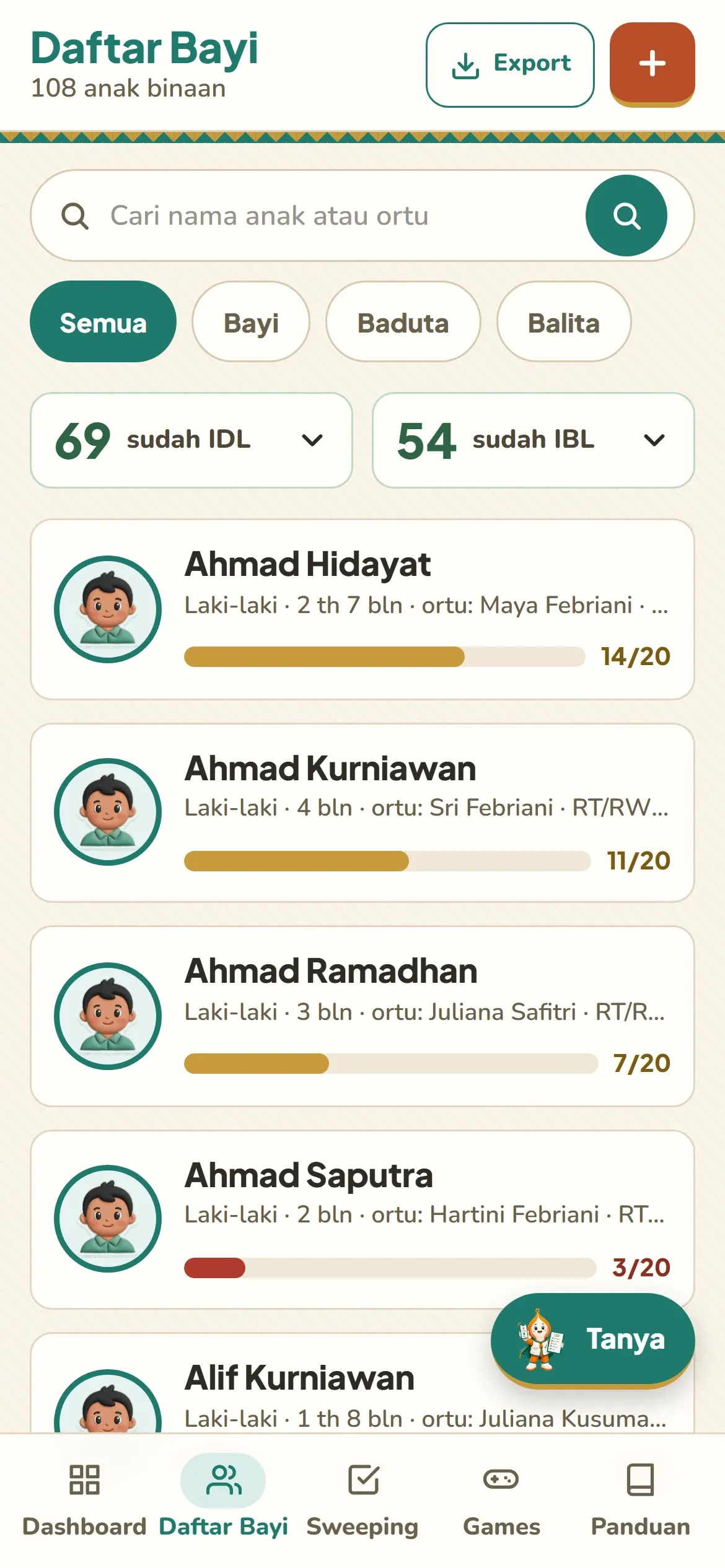 Sample screen, demo data
- 03
Sweeping
See which children need a visit and record the visit results.
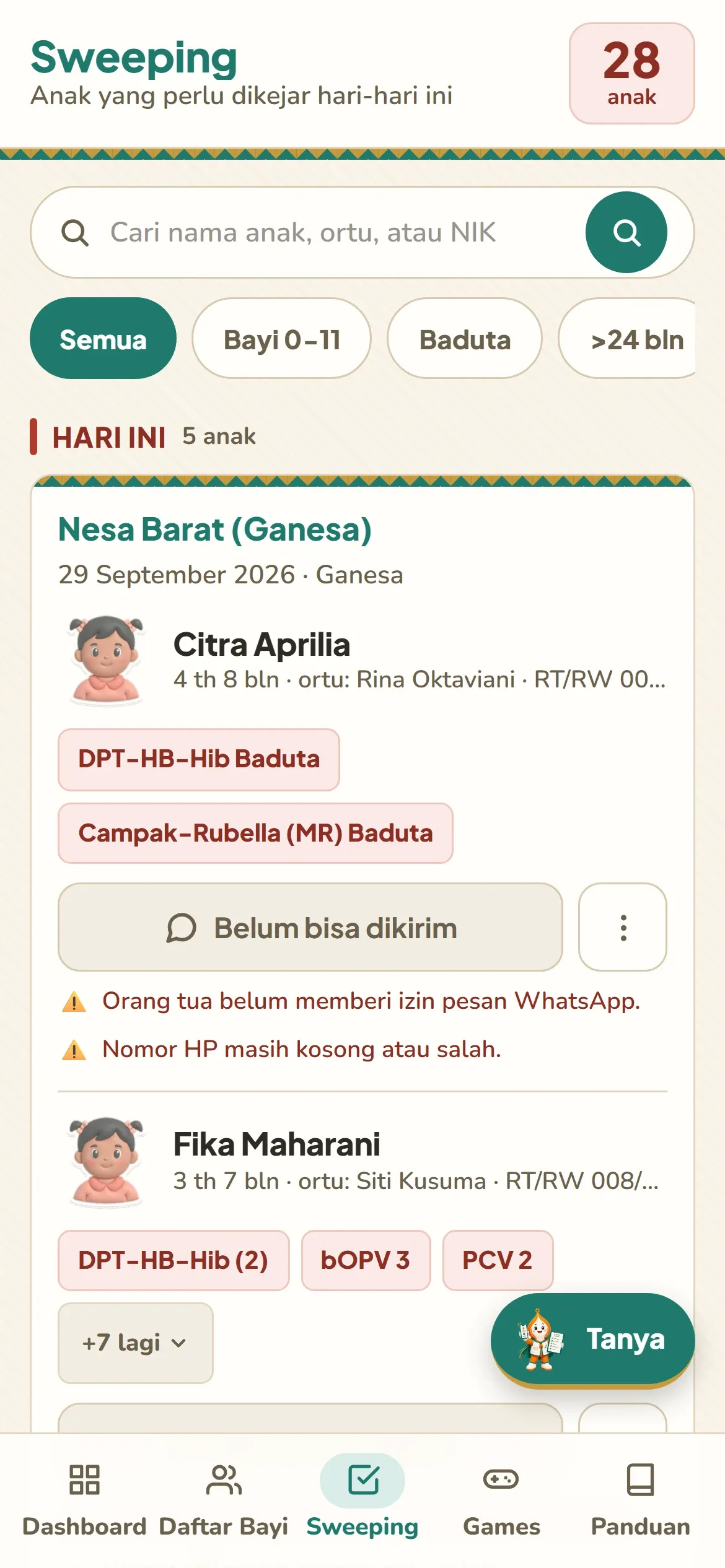 Sample screen, demo data
- 04
Linking code
Give parents a code or QR so they can see their child's data.
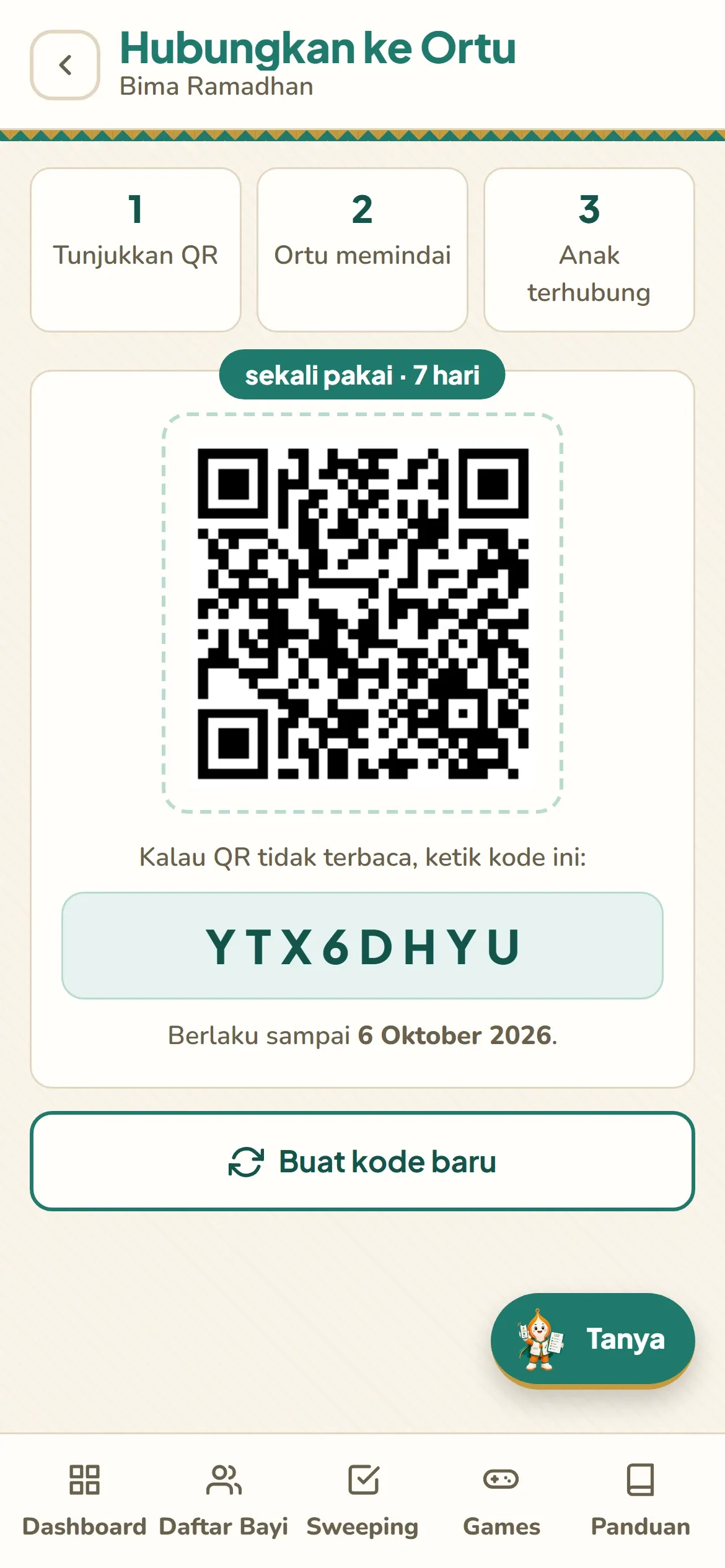 Sample screen, demo data
Parents and guardians
05Link your child
Create an account, then enter the code or scan the QR from the volunteer.
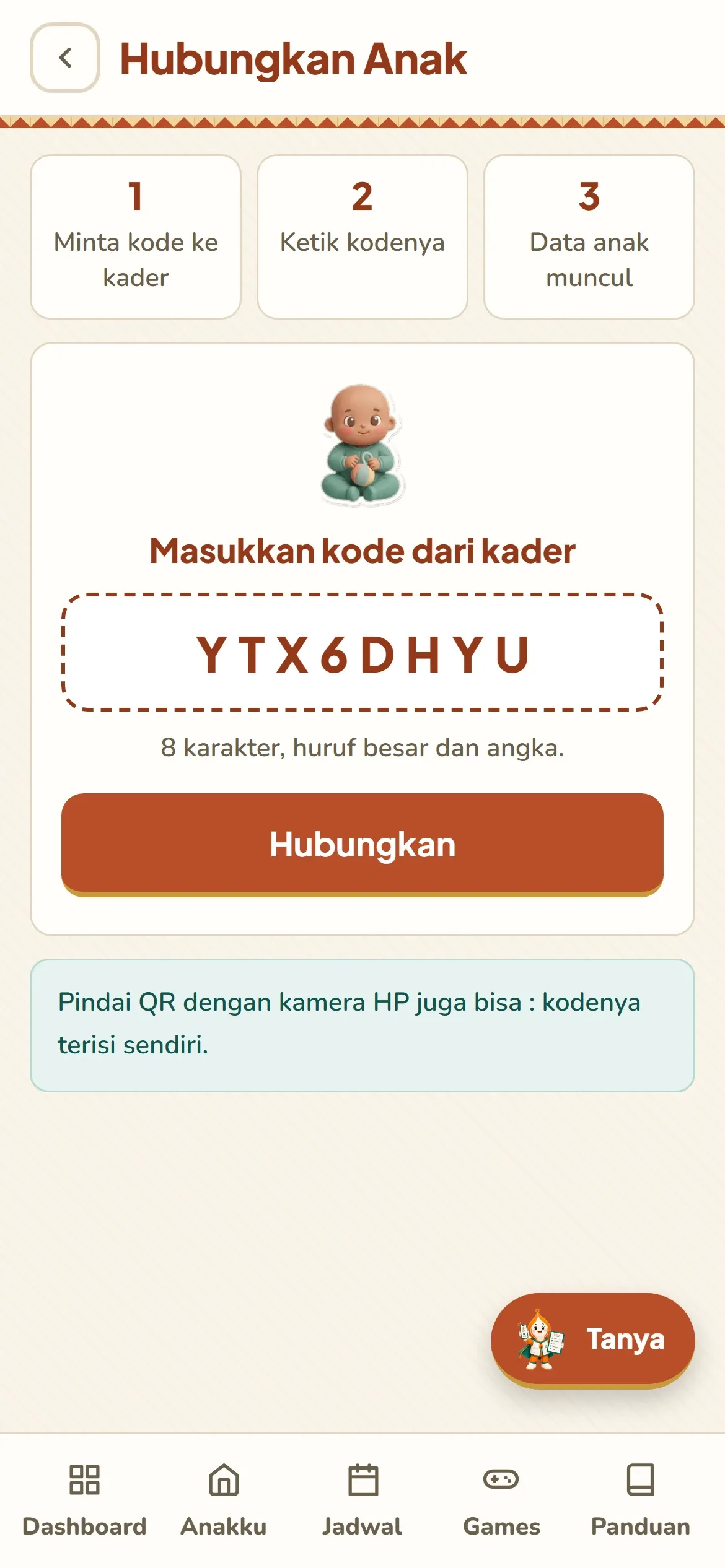 Sample screen, demo data
- 06
Immunization record
Your child's immunization history, and a certificate once the requirements in the app are met.
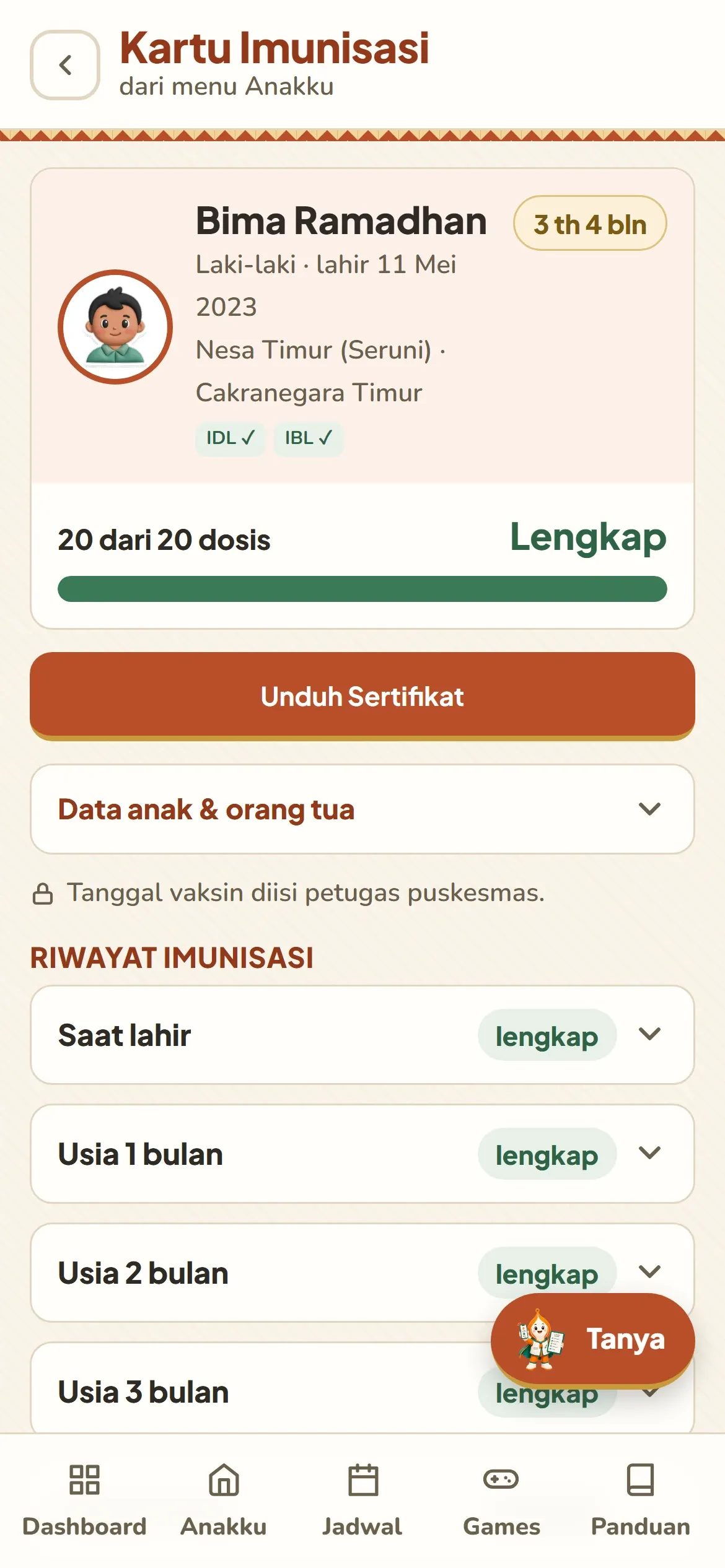 Sample screen, demo data
- 07
Schedules and reminders
Immunization and posyandu schedules. Reminders must be turned on and depend on device support.
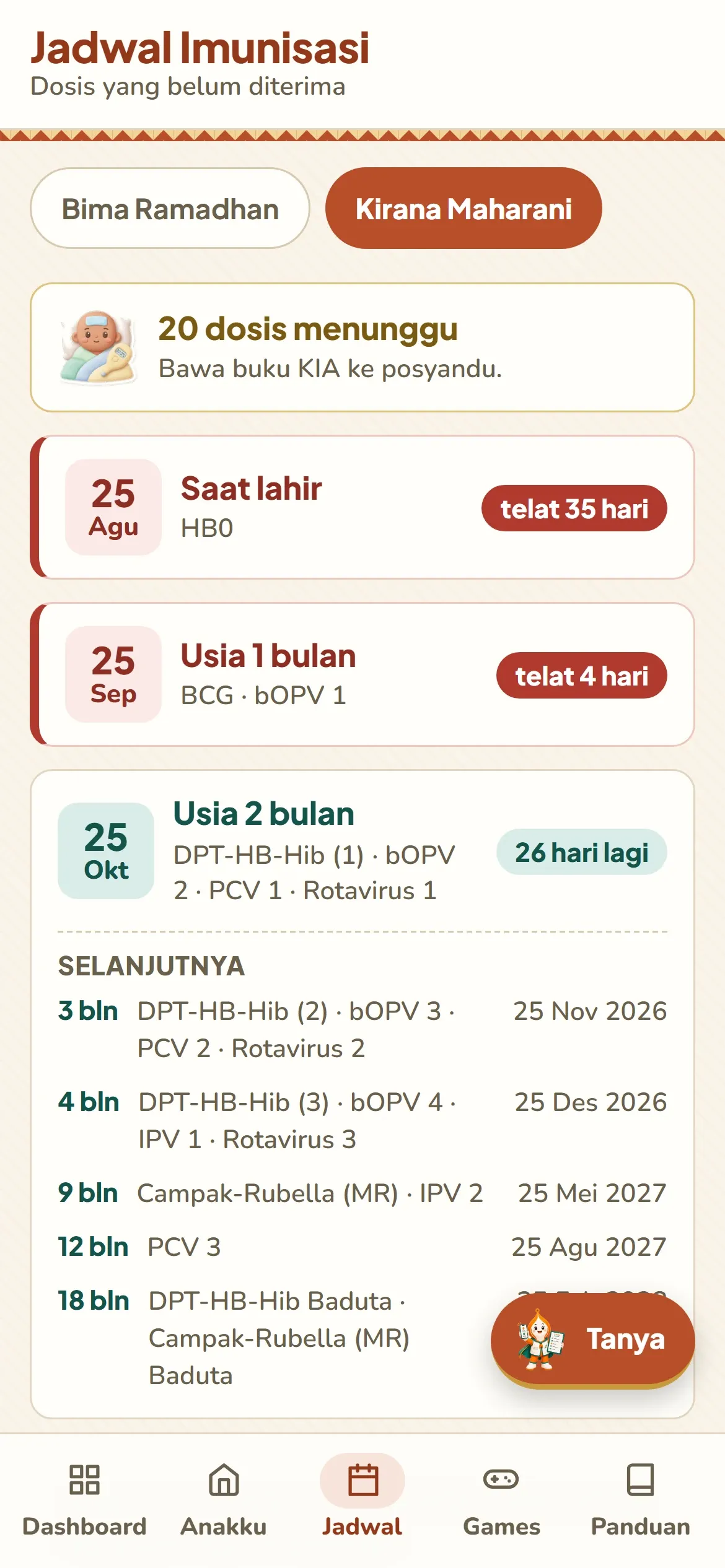 Sample screen, demo data
- 08
Guides and reading
Reading Corner, guides, and educational quizzes for families.
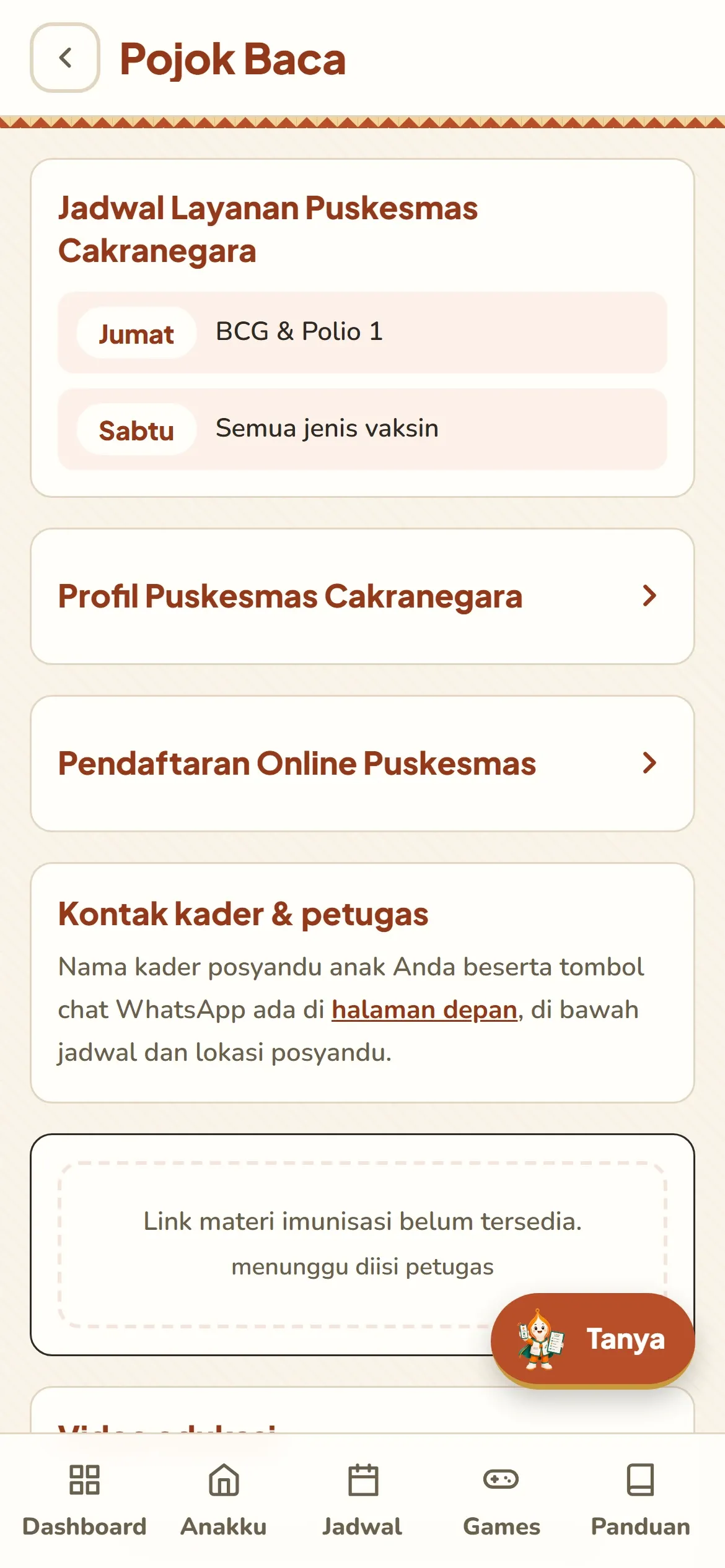 Sample screen, demo data
How it works
Two apps, one path of light.
Staff record and monitor the program in LENTERA HARUM V1. Volunteers and parents use LENTERA HARUM V2 for support and information suited to their role.
- Data from V1 is updated to V2 through synchronization.
- New data from V2 is checked and imported by staff.
- Volunteers give a linking code so parents can see their child's data.
 StaffLENTERA HARUM V1
 VolunteerLENTERA HARUM V2
 ParentLENTERA HARUM V2
Good to know
Limits we should all understand.
- 01
Updates are not always immediate
V2 uses a copy of the V1 data through synchronization, so changes can take some time.
- 02
Reminders must be turned on
Device reminders depend on the permissions and support of the phone or browser being used.
- 03
Certificates follow the requirements
The certificate becomes available once the child's immunization record meets the requirements in the app.
Still have questions? Open the Help page